
Every synthesis run produces more than a netlist — it produces numbers. This article covers the PPA panel: what it shows, and what those numbers mean for a design this size.
6 min read | Beginner Level
What You'll Learn
- How to read the PPA panel after a synthesis run
- What area, power, and cell-type breakdown mean for the shift register
- What PRO adds on top of the basic PPA panel
The PPA Panel
After synthesis, open the PPA panel. It shows Chip Area, a Power breakdown (Total, Dynamic, and Leakage), and a Cell Breakdown table listing how many of each standard cell type your design used.
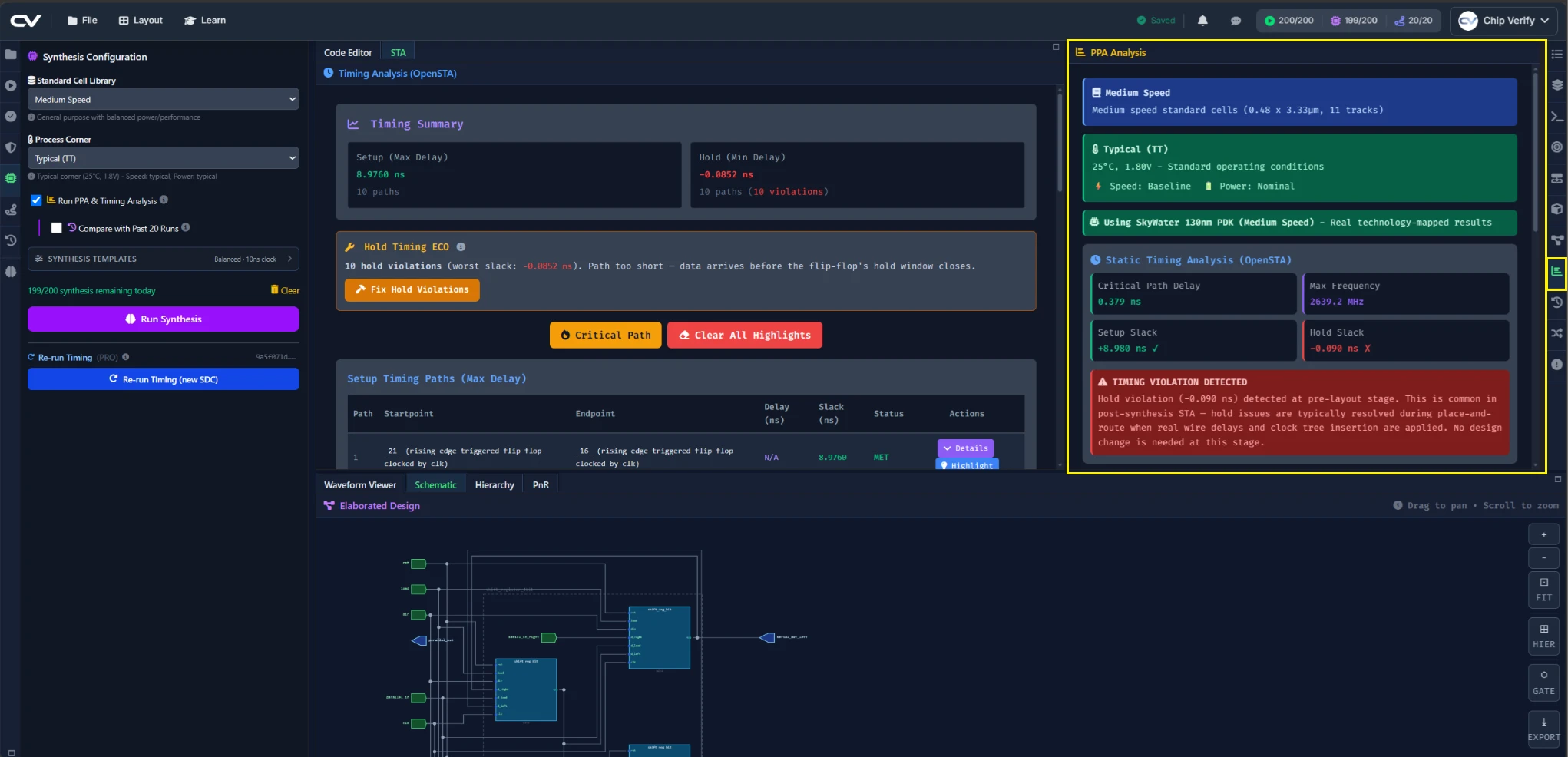
Reading Area & Power for the Shift Register
For this design, expect the Cell Breakdown to be dominated by flip-flops (four of them, one per bit) and a small number of multiplexer cells for the load/direction logic — there's very little else in a design this size.
Cell Count & Cell-Type Breakdown
The cell-type breakdown is worth reading even when the total area number alone isn't interesting yet — it's the same table you'll compare across libraries in Chapter 6, so it's useful to know what it looks like for this design before anything changes.
What FREE vs PRO Adds
The PPA panel itself is available on FREE. A separate PPA History panel, which tracks and compares PPA across multiple synthesis runs, requires PRO — you'll use it directly in Chapter 6.
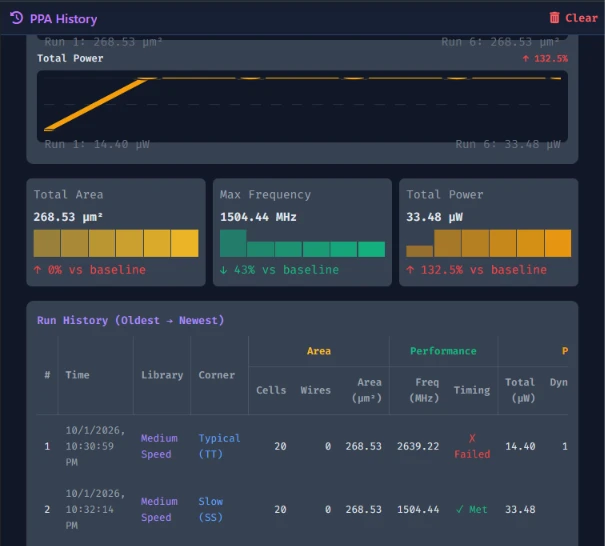
The PPA History panel (comparing PPA across runs) requires the PRO tier.
Common Mistakes
Mistake #1: Comparing PPA numbers across different corners as if they were interchangeable
Area and power numbers from a typical-corner run and a fast-corner run aren't measuring the same thing — corner affects timing and power estimates even when the netlist itself doesn't change. Keep comparisons to the same corner unless you're deliberately studying corner effects.
Mistake #2: Treating a clean lint/synthesis run as a timing sign-off
Neither lint nor a successful synthesis run checks whether your design meets its clock period — that's the job of static timing analysis, covered in the next article.
Where Is This Used?
Area and power trade-offs read directly off a panel like this are exactly what drive real architecture decisions — whether a block is worth pipelining, whether a smaller encoding saves enough area to matter, and so on.
Practice Exercise
Challenge: Verify the Cell Breakdown Against the RTL
Open the Cell Breakdown table and find the flip-flop row. Confirm the count matches what you'd expect from Chapter 1's RTL, then note the Chip Area and Total Power numbers — you'll compare them against a different library in Chapter 6.
Hint
How many always @(posedge clk ...) blocks does the design have in total, across the top module and its four instances?
Solution
The flip-flop count should be 4 — one per shift_reg_bit instance, each with exactly one clocked always block. The rest of the Cell Breakdown is mux/logic cells implementing the load/dir selection in front of each flip-flop.
Summary
In this tutorial, you learned:
- How to read the PPA panel's area, power, and cell-breakdown sections
- What to expect in the cell breakdown for a small, flip-flop-dominated design
- That the PPA History panel (PRO) is what lets you compare across runs
- That PPA alone doesn't tell you whether timing is met